Step 3 - Creating A Graph
In this step we finally get to plot our data. To make a graph just create a graph object, set the graph type and then set the data resources to the name of the dataset to plot.
Using the Browser select the domain created in the previous step.
Click on the Graph Icon.
Set the Graph Type to be "Bar".
Click on the Data tag and set Y to be "Girls". If you don't fancy typing Girls then just click on the [...] button and select Girls from the list.
Click on OK.
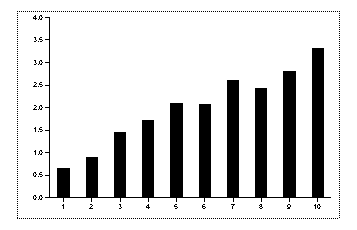
Make sure the graph is still selected and then make another graph in exactly the same way for Boys
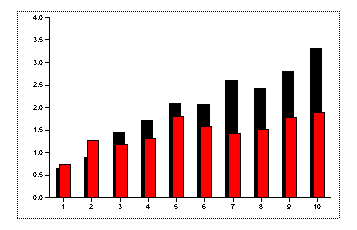
Using the Browser edit the domain. Under the Switches tag set Ticklines for the 1st 2D Y axis to be "Behind".
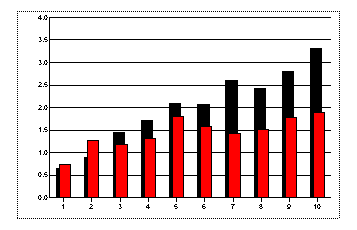
Double click on the Y axis and under Tickmarks set the step to 1 and the number of minor tickmarks to be 3. Under ticklines enable minor ticklines and set minor tickline style to be "..........".
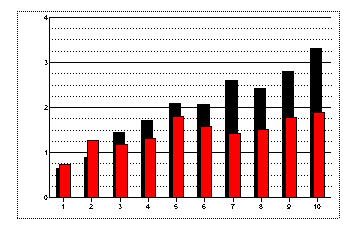
Double click on the red graph and under Chart set the Bar Offset to be 30%. Double click on the black one and set it to be -30%.
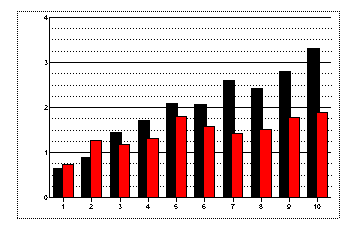
We are so pleased with what we have done so far that we will now duplicate it and use it as a base for another plot.