Getting Started Guide
(Developer Edition) |
|
2 Using AVS/Express Demos and Examples
This chapter begins a set of tutorials that introduce various aspects of AVS/Express. This chapter introduces procedures for running the demonstrations and examples built into AVS/Express. The application that you will work with is a demo file. The demo file is a useful tool, to start learning about the AVS/Express network model. The demos are complete applications which use various types of AVS/Express functionality. The examples are simple applications that help illustrate one or two specific AVS/Express features.
As you complete the tutorial, you will:
2.1 Start AVS/Express
The procedure below assumes that:
- AVS/Express is installed
- AVS/Express is licensed
- All platform-appropriate environment variables are set (PATH, MACHINE, DISPLAY, LD_LIBRARY_PATH, SHLIB_PATH, and XP_PATH).
If these assumptions are not met, refer to the Installing AVS/Express book and follow the appropriate instructions before continuing.
1. Open a command shell or an xterm window.
2. Navigate to the
express directory.
3. Start AVS/Express by typing the platform-specific command listed below.
Table B-1
|
|
|
|
|
click on the application icon
|
- Note: Do not start AVS/Express in the background. You start AVS/Express in the foreground because AVS/Express' V Command Processor (VCP) uses the shell window.
4. The V Command Processor (VCP) appears
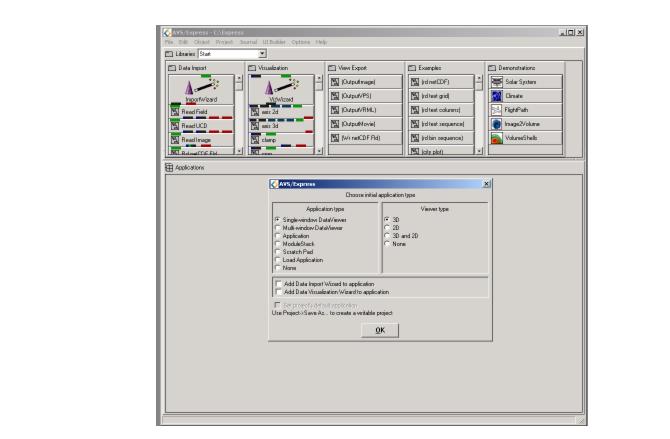
.Then the Network Editor window appears along with a dialog box that allows you to choose an application framework:
- Later in this Getting Started guide you will use this dialog box to start the process of building a new application.
5. In the Application type menu select
None.
2.2 Instance a Demo
In this section you will learn how to instance an demo. A demo or any other object can be instanced by dragging a copy of an object from a library to the work space in the network editor. When you build your own applications you will typically start by creating an application object. This is not necessary to run a demo or an example because these are self sufficient applications.
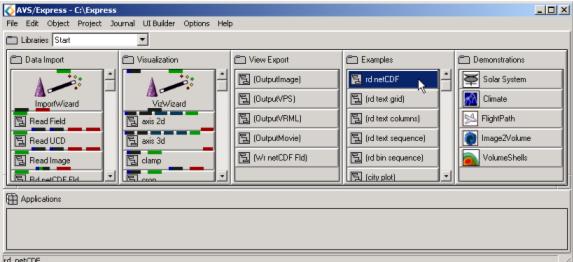
1. In the Start Library, which should be on your screen when you start AVS/Express, locate the
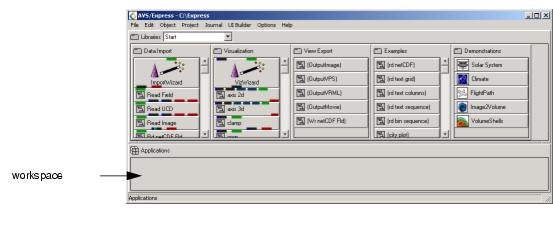
Demonstrations section as shown below.
2. Left click on
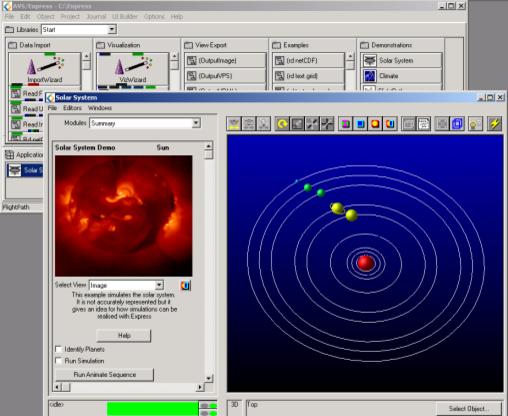
Solar System, hold on to the left mouse button and drag it into the work space. The workspace is the empty area below the library shown in the diagram above. When you have instanced the Solar System demo, an application window will open. Your screen should look something like this.
-
3. When you click on the
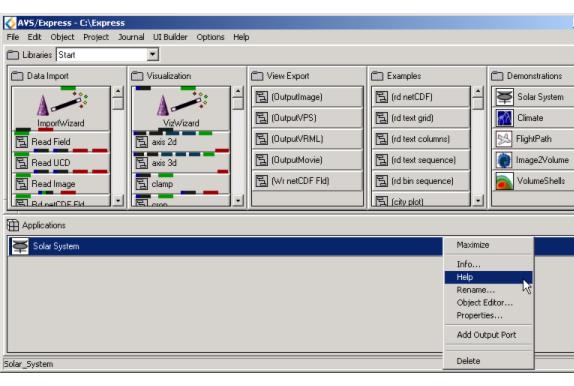
Help button, information about this demo will open in your web browser. The help file will walk you through the pieces of the network, and how the demo may be useful to you. This can also be done in the network editor. Right click on
Solar System in the workspace, when a menu pops up select help.
-
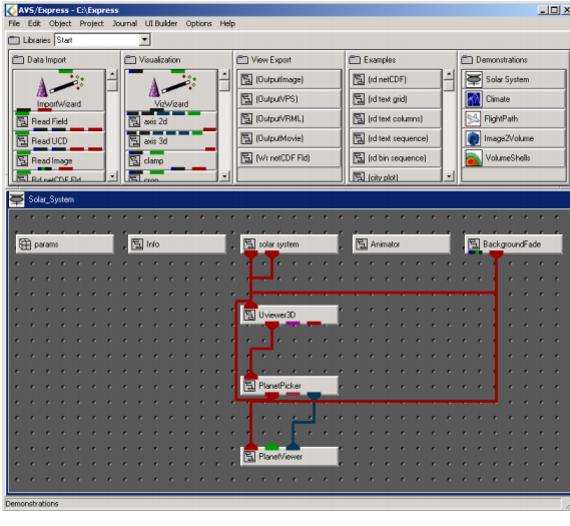
- To study this demo further, double click on Solar System, in the workspace. It will open up to show you the network of objects and modules used to create this demo.
4. When you have finished studying the demo, you may go to the Application window. Select
File->Exit Demonstration. This will close and delete the demo from your work space.
- These steps can be used to view any of the five demonstrations in the Start Library.
-
2.3 Instance an Example
Now that our workspace is clear we can instance an example. Examples are simple applications that can be used learning tools for AVS/Express. Each application features one macro, so you can understand the uses of that macro.
In the Start Page, in the Examples folder select rd_netCDF and drag it to the work space.
-
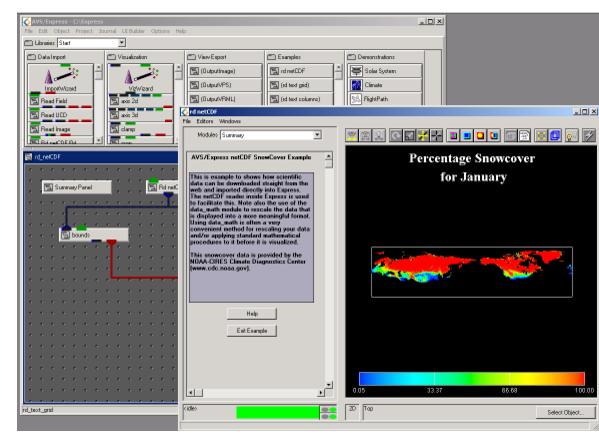
When you have done so, your screen should appear as below:
An application screen has appeared and you can view the application in your workspace. The In the application window, there is a summary panel to give you more information on the example. Each of the examples are simple applications in which a beginner can create. You will be creating a similar application to this in a later chapter.
To exit the application, click Exit Example. This will close the application window and delete the example from your work space. Selecting File->Exit will exit the AVS/Express.
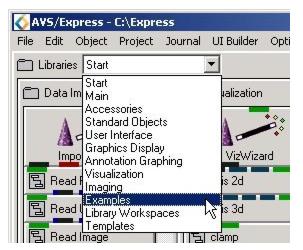
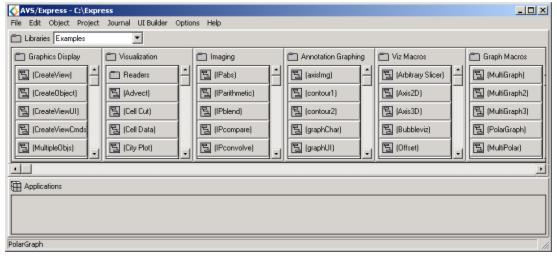
The examples on the start page are a subset of the examples built into AVS/Express. You can get a full listing of examples by scrolling through the libraries menu and selecting Examples.
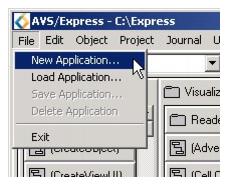
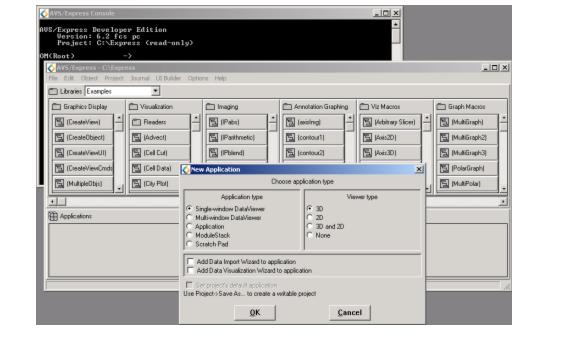
When you are ready to start your own application, go to File->New Application. Doing this will give you the options to start a new application with or without using the wizards provided by AVS/Express.