3D and 4D Contours
In this step we will plot our data as a 3D and a 4D contour. A 4D contour is one in which one grid specifies the height of the contour and another grid specifies the colour.
If your plot does not look like this run step4.gsl
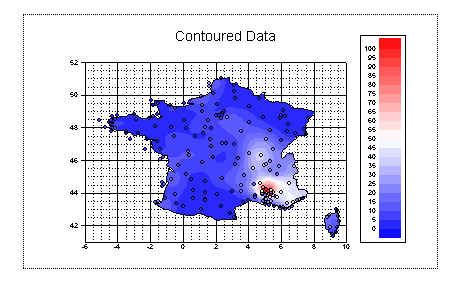
First delete the scatter domain from our viewport.
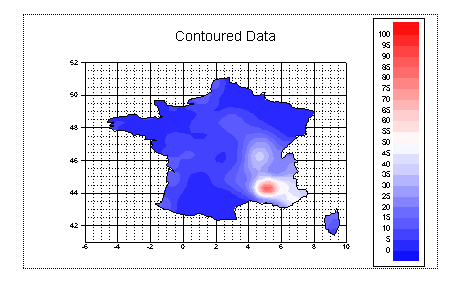
Double click on the contour. Under the Main tab, set the Graph type to be 3D Contour. Under Data set the Z grid to be "grid".
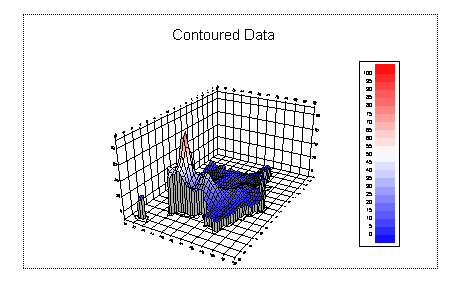
The height of the contour is too exaggerated. Edit the viewport and set Z ratio to be 0.2
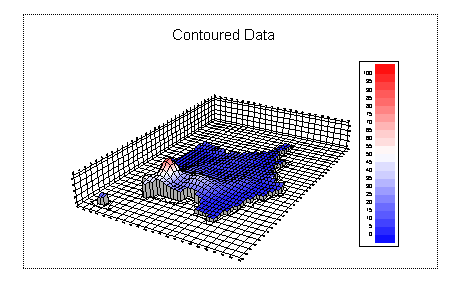
Select the viewport and press Ctrl-W. A bounding workbox appears. Drag the workbox so that we are viewing France from the South.
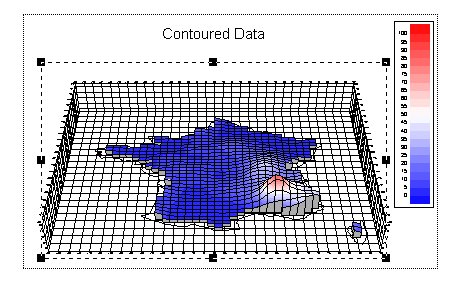
Finally edit the contour plot again. Change the type to 4D contour. Unfortunately we don't have any height data so set Z grid to be "sqrt(grid)"
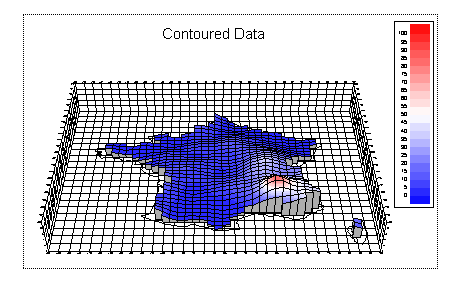
We have now finished the session. Time for tea! Return to the main page