Logos and Axes
Logos and Axes are created automatically as part of the domain object. To enable them right click on them in the browser and select Object Enabled.
If your plot doesn't look like this run step4b.gsl
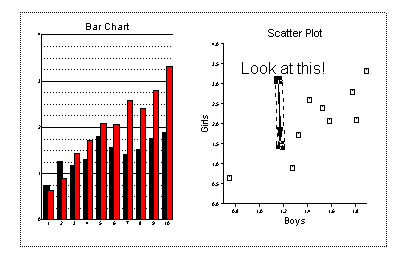
In the browser right click on the legend for the bar chart and select Object Enabled. Drag the legend to an empty part of the viewport. Double click on the legend and set the background colour to be anything other than the first white (background).
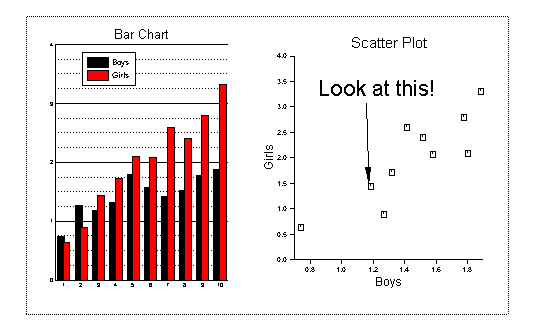
In the browser, right click on xaxis2 and yaxis2 of the scatter viewport. Choose Object enabled. It may be necessary to move the title of the scatter plot a little higher to avoid clashing with the second x axis.
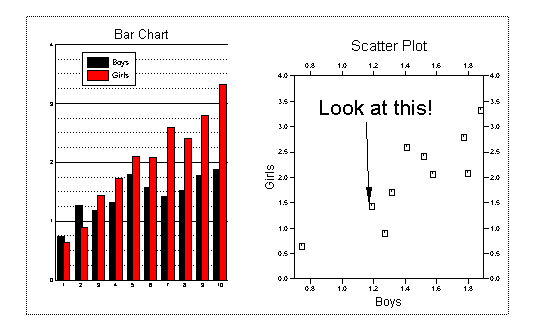
You should now have a good command of how to work with most of the objects in Gsharp. We will finish the session by looking at Printing and Saving.