Dataset Editor
The Dataset Editor is displayed by selecting a dataset in the DataManager and then clicking on the edit icon in the DataManager toolbar.
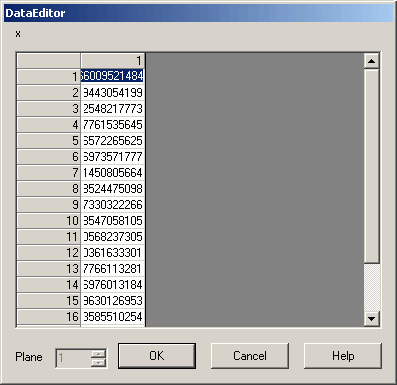 Use
the scroll bar or the PageUp and PageDown keys to move through the data.
Use
the scroll bar or the PageUp and PageDown keys to move through the data.
To change a value. Click on it and type in the new value. To make a value undefined type in "undef" or "UNDEF".
If the dataset has multiple planes, use the plane field to move backwards and forwards between the planes.
Click on OK to save the changes and Cancel to lose them.
Datasets can also be changed using GSL on the command line. e.g.
  x[3] = 2.0;
  y = max2(y,0.0);
Go to Gsharp Reference Manual.